Geography: A Full-Color Font for Visual Storytelling
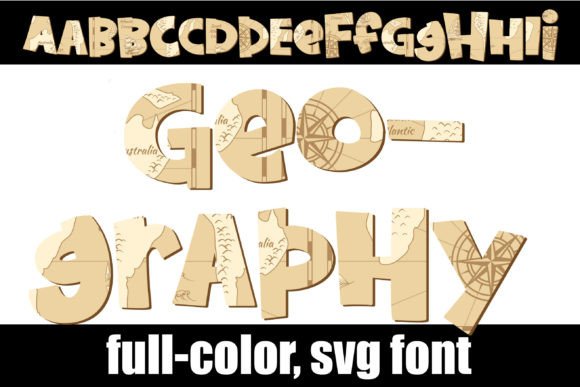
Imagine injecting the intricate detail of a world map directly into your typography. This is the promise of Geography, a full-color OpenType SVG font that transforms standard sans serif lettering into a vibrant, cartographic statement. For designers seeking to create immediate visual impact and a unique brand identity, this asset moves beyond simple text to become a core part of the composition itself.
Understanding the Technology: Full-Color SVG Fonts
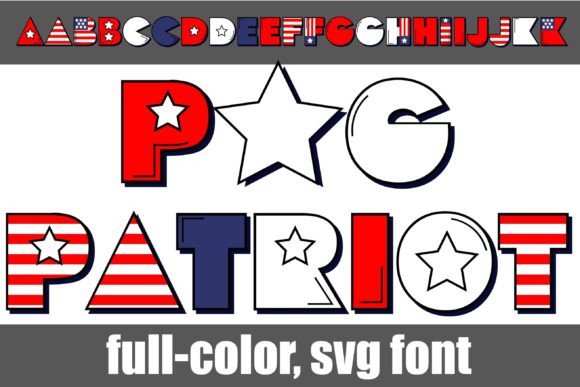
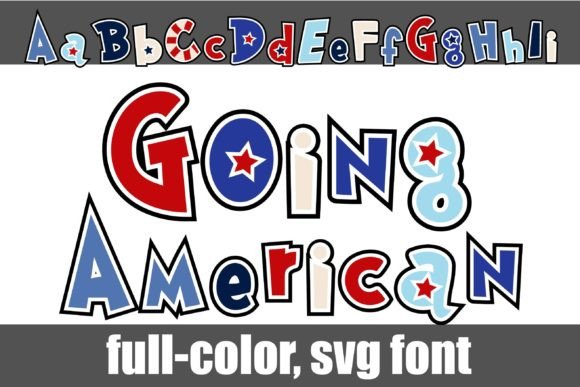
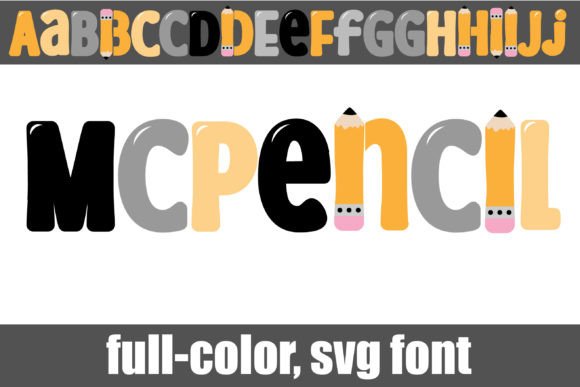
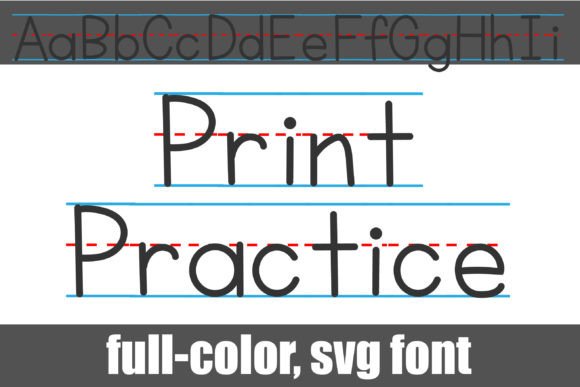
Geography is not a traditional font. It’s an OpenType full-color (SVG) font, which means it contains vector graphics with color information embedded directly within each glyph. This allows for multi-colored, detailed illustrations—like the maps in Geography—to render as a single, cohesive character. The installation process is identical to any standard .otf file, managed through FontBook on Mac or the Control Panel on Windows.
A critical point to remember is compatibility. These fonts will display as solid black in programs that do not support the SVG format. However, in compatible software, you’ll see the full-color design come to life as you type. Key applications that currently support this technology include Adobe Creative Suite (Photoshop, Illustrator, InDesign), Silhouette Studio, QuarkXPress, and Inkscape. Always test the font in your final output program to ensure the color renders correctly.
Practical Applications in Modern Design
The unique visual weight of Geography makes it a powerful tool across numerous creative projects. Its map-based aesthetic lends an air of exploration, knowledge, and global connection, making it particularly effective for specific applications.
- Branding and Logo Design: Ideal for travel companies, educational platforms, logistics firms, or any brand wanting to communicate a worldwide reach or a sense of discovery.
- Marketing and Social Media Graphics: Create instantly engaging headlines for blog posts, infographics, or social media banners that stop the scroll with their distinctive texture and color.
- Editorial and Web Design: Use it for impactful pull quotes, article titles, or UI elements in apps related to geography, history, or data visualization. It adds tremendous visual hierarchy when used sparingly.
- Packaging and Merchandise: Stand out on product packaging for specialty goods, books, or educational kits. It’s also perfect for designing unique apparel, posters, or stickers.
Tips for Effective Implementation
Using a display font like Geography effectively requires strategic thinking to maintain professionalism and clarity.
- Prioritize Readability: Due to its intricate detail, this font is best reserved for short headlines, logos, or display text. Pair it with a clean, simple sans serif for body copy to ensure readability and create a balanced visual hierarchy.
- Consider Scalability: While SVG fonts scale well as vectors, the fine map lines may become cluttered at very small sizes. Test the font at your intended output dimensions.
- Align with Brand Goals: Ensure the map motif genuinely supports your brand’s message. It should feel intentional, not decorative. Does the theme of exploration or global perspective match your audience’s expectations?
- Check Color Compatibility: Since the colors are embedded, you cannot change them in all programs. Verify that the default color palette works with your project’s overall color scheme or plan your design around it.
In the landscape of digital design, where standing out is paramount, assets like the Geography font offer a tangible way to fuse creativity with function. It demonstrates how thoughtful selection of typography—moving beyond standard text to embrace innovative formats—can elevate a design from merely informative to truly memorable. By integrating such specialized creative assets into your workflow, you invest in the visual storytelling that defines a strong, modern brand identity and captures audience attention in a crowded visual world.